Welcome to ROSMASTER M1 PRO repository
1.Map Description and Props Placement
Map Description and Props Placement
Map Description and Props Placement1. Map Overview2. Area Description3. Props Description3.1 Tag marker3.2 Shelves & Pallets3.3 Blue Backing Board3.4 Trash Can3.5 Color Blocks
1. Map Overview
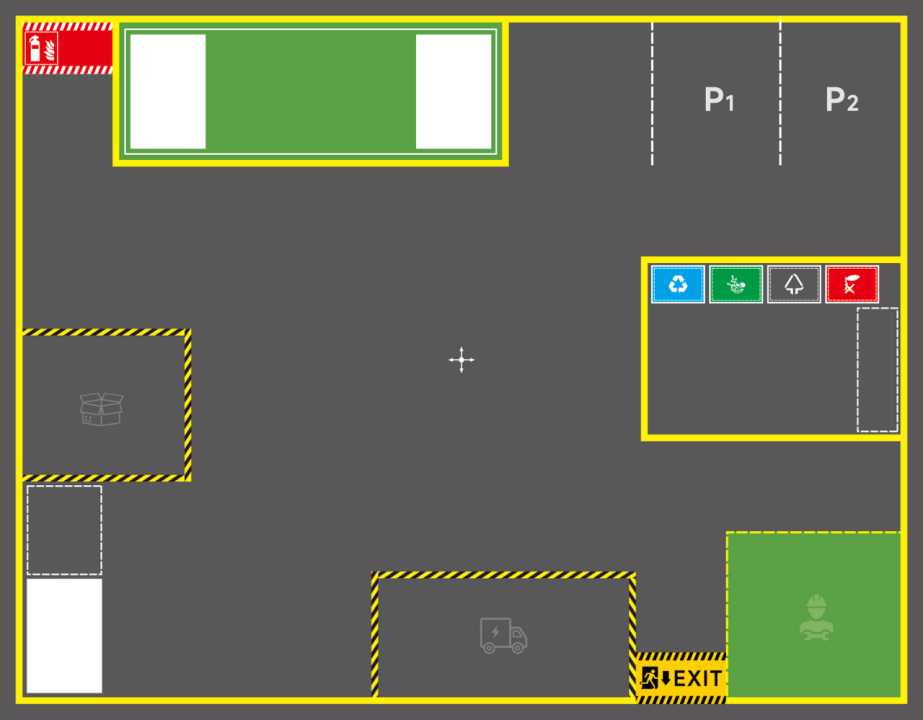
2. Area Description
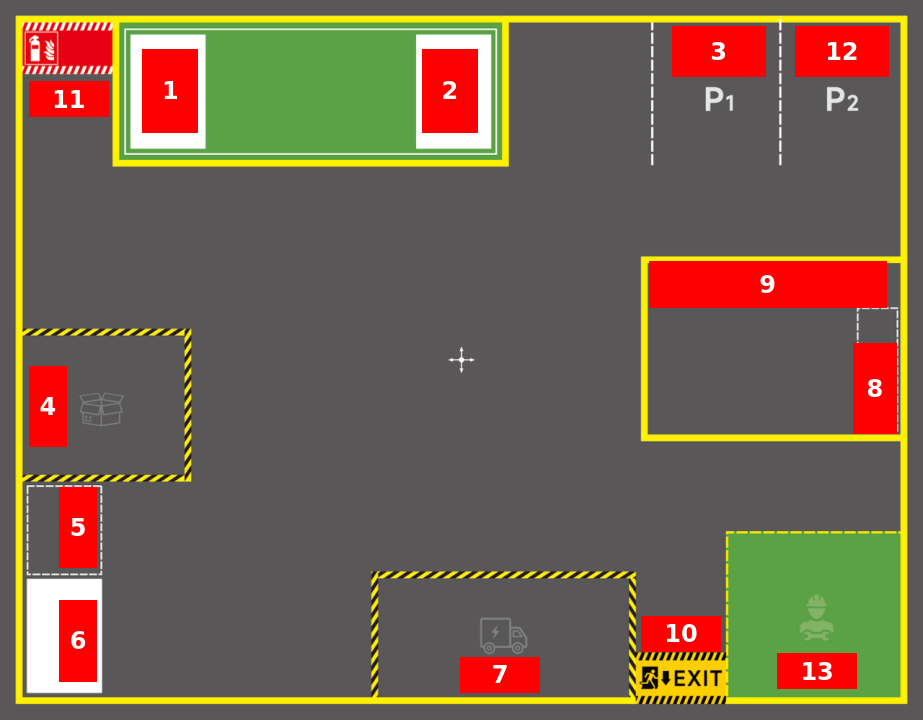
Area naming is arbitrary and can be defined by yourself according to actual needs. The following area naming and placement are for reference only.
1, 2, 6: Shelf area (place shelves & pallets)
3: Parking lot No. 1
12: Parking lot No. 2
4: Goods warehouse (place blue backing boards and color blocks)
5: Goods sorting area (place blue backing boards and color blocks)
7: Shipping area
8: Waste sorting area (place waste blocks)
9: Trash can area (place trash cans)
10: Exit
11: Firefighting equipment area
13: Equipment maintenance area
3. Props Description
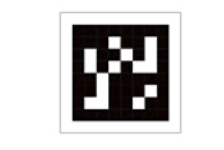
3.1 Tag marker
Used for the visual relocalization enhancement function to correct positioning errors caused by various reasons and improve the robustness of the robot's global localization.
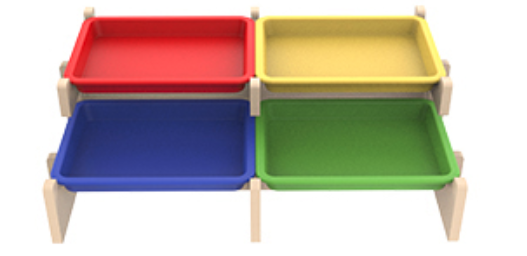
3.2 Shelves & Pallets
Used to place goods blocks, simulating warehouse shelves.
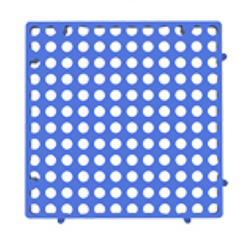
3.3 Blue Backing Board
Used to simulate the goods backing boards in a real warehouse.
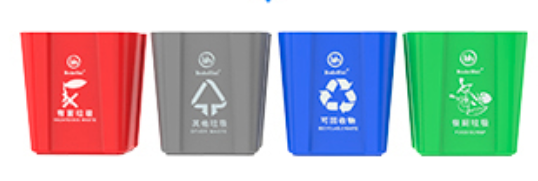
3.4 Trash Can
Used for waste sorting tasks; the robot sorts the waste into the corresponding trash can.
3.5 Color Blocks
Used to simulate goods of various colors; can be used for robotic arm grasping tasks such as goods sorting and goods transport.
