Welcome to ROSMASTER M1 PRO repository
4.OpenClaw WhatsApp Interaction
OpenClaw WhatsApp Interaction
OpenClaw WhatsApp Interaction1. Course ContentCourse OverviewLearning Objectives2. Binding WhatsApp3. Conversation Interaction
1. Course Content
Note
WhatsApp is suitable for international users.
Course Overview
WhatsApp is one of the mobile chat interaction methods supported by OpenClaw. After binding the WhatsApp channel, users can chat with the robot anytime and anywhere through their mobile phone
Supports sending text and voice messages to control the robot, suitable for international users
Combined with the Robot-Control plugin, you can remotely control the robot to perform various tasks via WhatsApp
Learning Objectives
Learn to bind the WhatsApp channel and complete device association by scanning a QR code
Master the method to configure the WhatsApp receiving number in OpenClaw WebChat
Be able to conduct text conversation interactions with the robot via WhatsApp
2. Binding WhatsApp
Enter in the terminal:
openclaw channels login --channel whatsapp
Open WhatsApp on your phone, and tap your profile → Linked Devices
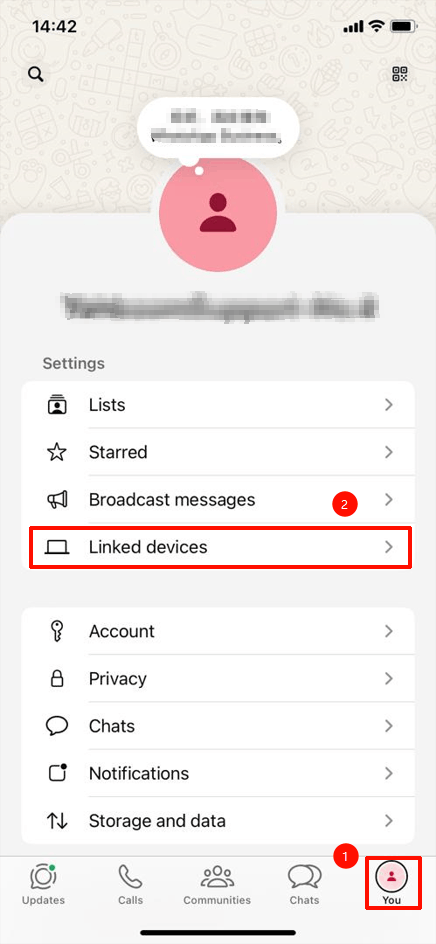
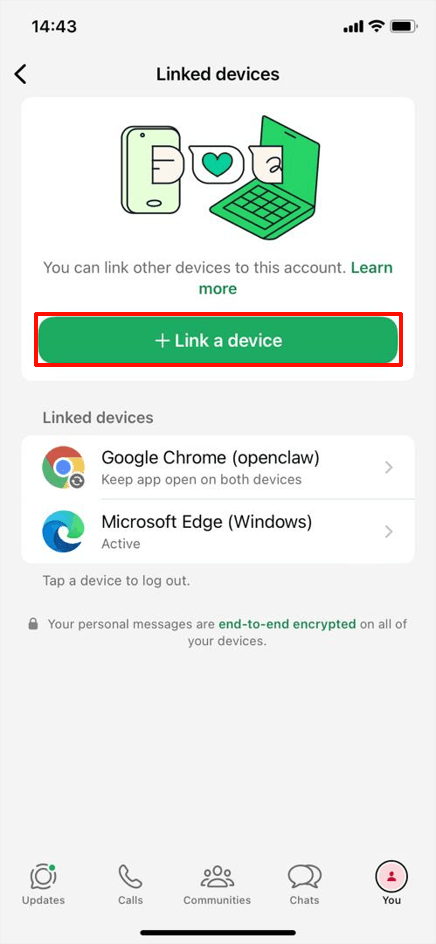
Tap Link New Device, then scan the OpenClaw QR code
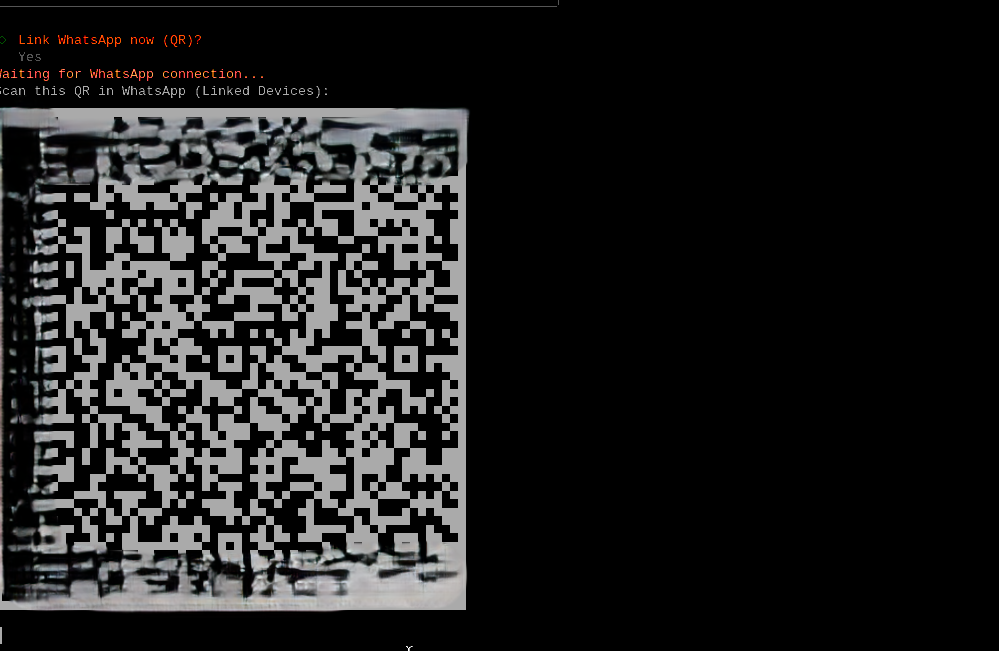
Scan the QR code with your phone to connect
When "Linked after restart" appears, the connection is successful

Restart the OpenClaw Gateway
xxxxxxxxxxopenclaw gateway restart
Open the OpenClaw WebChat page
For how to open it, refer to 【OpenClaw Webchat Interaction】
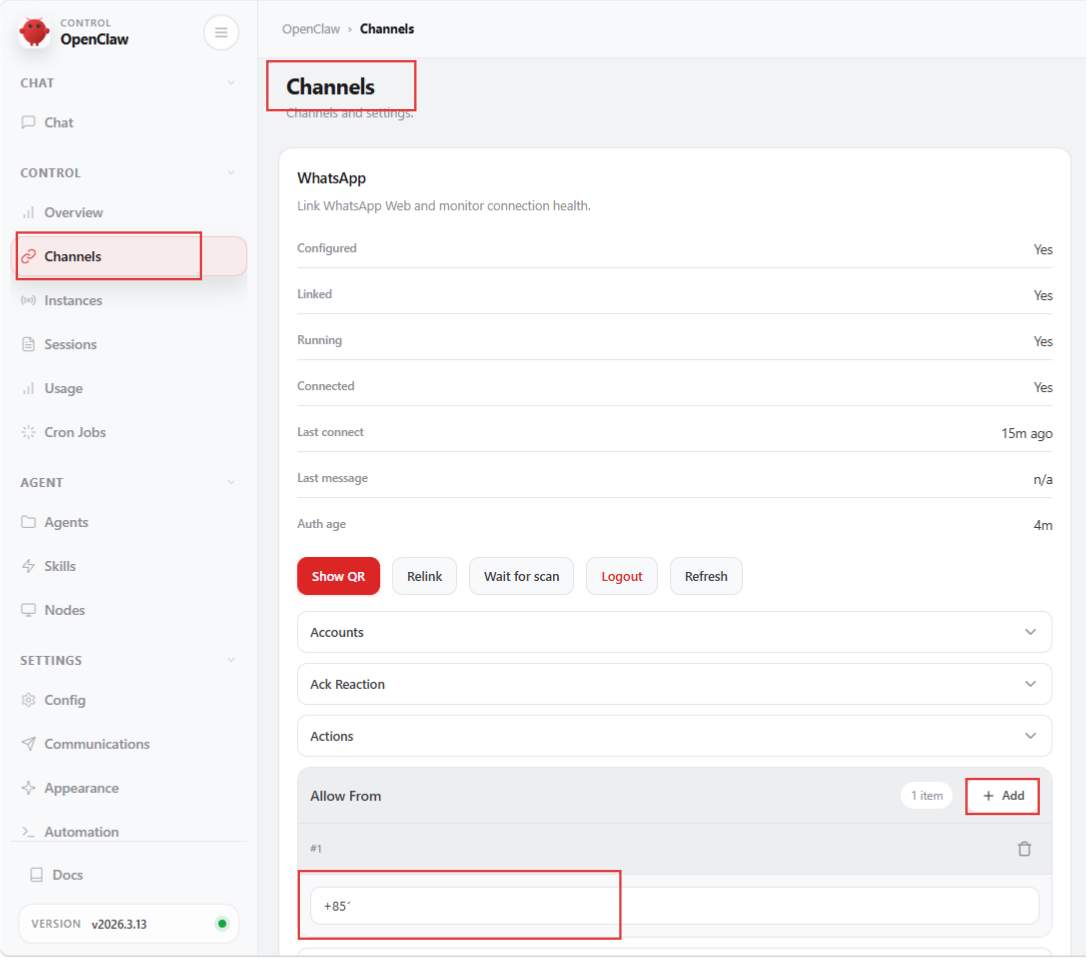
Click in sequence Channels → WhatsApp → Allow From → + Add
Enter your own phone number; configuration complete
3. Conversation Interaction
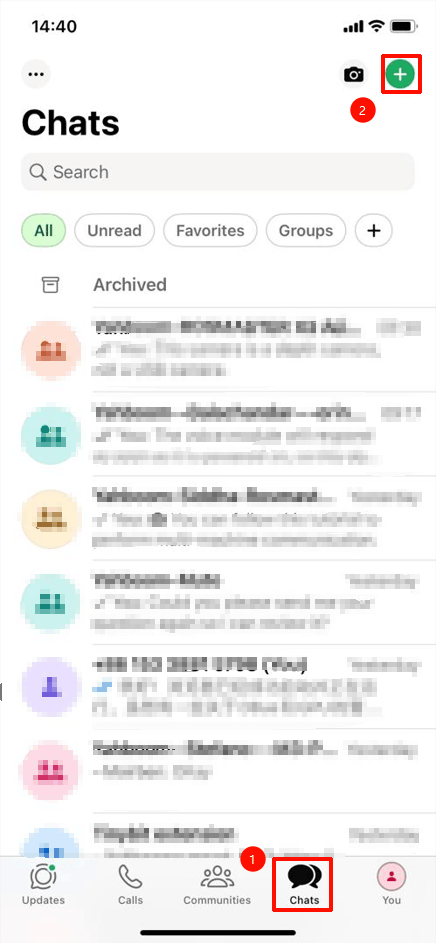
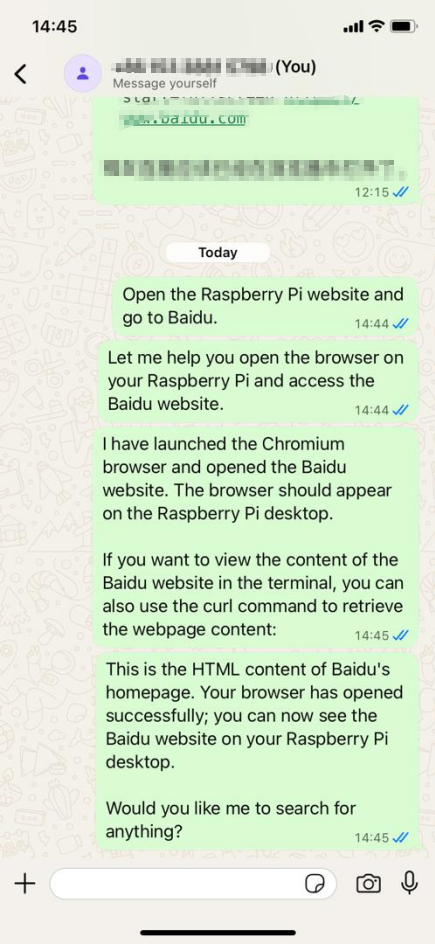
Click to send a message to yourself
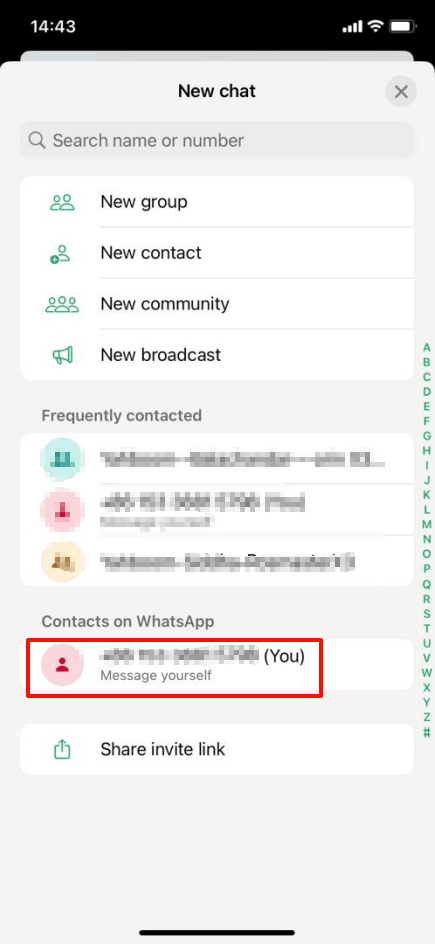
After that, you can chat with OpenClaw via WhatsApp