Welcome to ROSMASTER A1 PRO repository
7.Edge Detection (Depth Camera Only)
🚧 Depth Vision Edge Anti-Fall Detection (Edge / Cliff Detection)
1. Course Content
This course uses the Angstrong Nuwa-HP60C 3D Depth Camera to obtain the real-time depth distribution matrix of the ground in front of the robot. The lower one-third region of the image is taken as the ground detection region of interest (ROI). By calculating the median depth in real-time, it determines whether there are steps, table edges, or sudden ground subsidence ahead. When a sudden change in ground depth is detected (cliff or void detected), the robot automatically triggers emergency braking to prevent the chassis from falling and being damaged.
Important
This course is only applicable to users with the Angstrong Nuwa-HP60C Depth Camera version.
2. Preparation and Running
This case requires opening 2 terminals to start the system:
2.1 Start Low-level Driver and Camera
Run in Terminal 1 (start chassis, robotic arm and depth camera driver):
xxxxxxxxxxros2 launch dofbot_pro_driver A1pro_camera_arm.launch.py2.2 Start Edge Anti-Fall Detection Program
Run the edge detection node in Terminal 2:
xxxxxxxxxxros2 run yahboomcar_depth Edge_DetectionAfter the program starts successfully, the terminal will pop up a real-time image window:
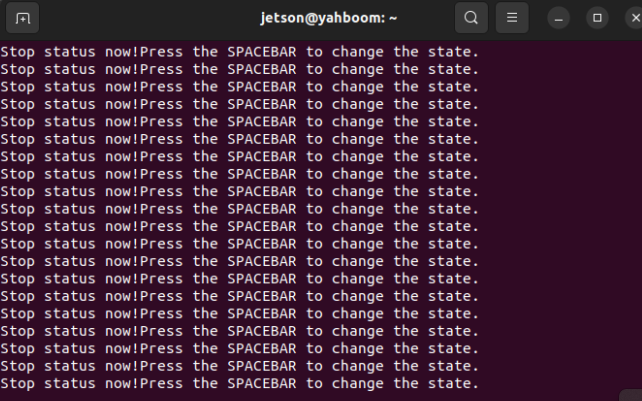
Press the spacebar in the image window, and the robot starts moving forward smoothly:
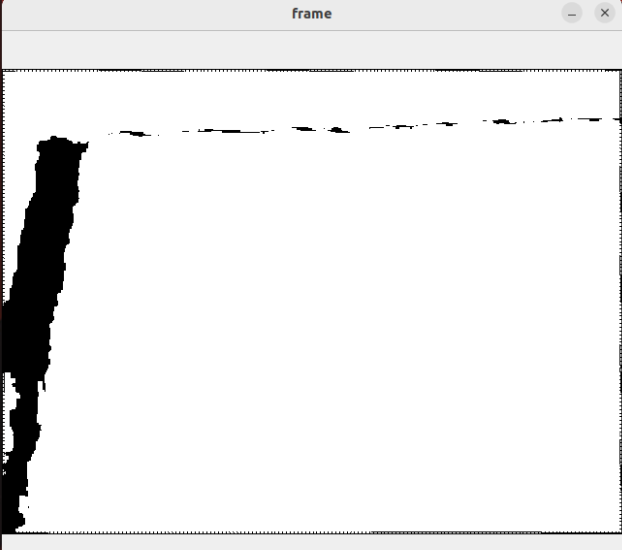
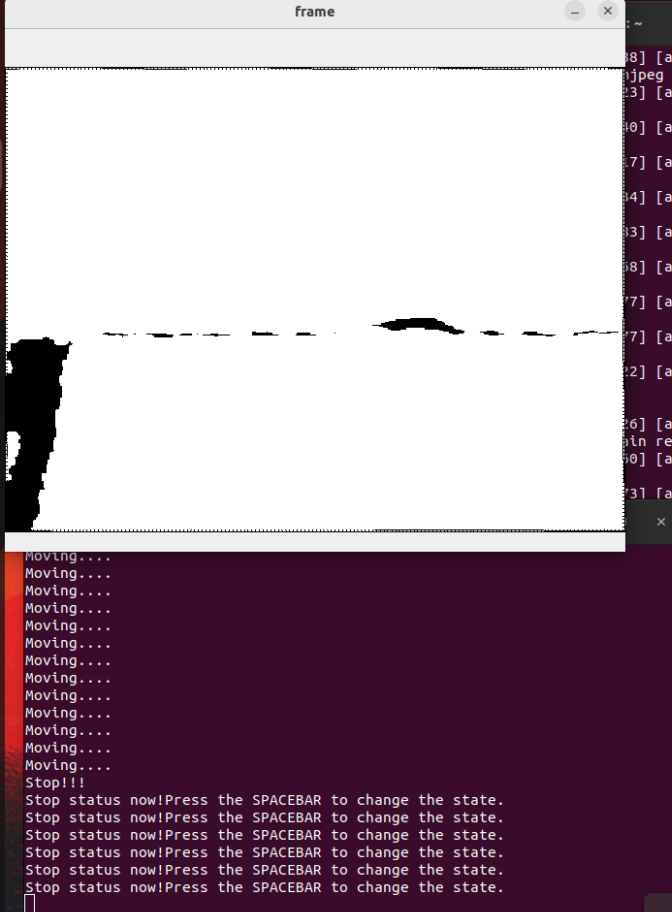
When approaching the edge of a cliff, the robot perceives the missing ground and immediately triggers emergency automatic braking:
3. Hands-on Demo and Interaction Description
Initial idle state: After startup, the interface prompts
IDLE - Press SPACE, and the robot is in safe standby state;Start forward cruise: Click to focus on the OpenCV image window, press spacebar (
Space), and the robot starts forward cruising at a linear velocity of $0.1\text{ m/s}$;Cliff edge emergency braking protection: When the robot travels to a table edge or deep pit step, because the front ground is missing causing the ROI measured depth to suddenly increase (exceeding
0.4m), the node immediately publishes a zero-speed emergency brake command to the/cmd_veltopic (linear.x = 0);Reset and retest: If retesting is needed, move the robot back to flat safe ground, and press spacebar again to reactivate forward motion.
4. Core Source Code and Algorithm Principle
Source Code Path:
xxxxxxxxxxyahboomcar_ws/src/yahboomcar_depth/yahboomcar_depth/Advanced/Edge_Detection.py
4.1 Dynamic Ground ROI Extraction and Median Depth Filtering
To avoid interference from distant walls or obstacles in the upper field of view on ground distance measurement, the algorithm crops only the lower $\frac{1}{3}$ region of the depth image and uses median filtering (np.median) to effectively remove noise caused by specular reflections or zero-depth blind spots:
x# Edge_Detection.py —— Ground ROI extraction and filteringdef get_DepthImageCallBack(self, msg): depth_image = self.depth_bridge.imgmsg_to_cv2(msg, '32FC1') h, w = depth_image.shape[:2] # Crop the lower 1/3 region of the image as ground detection ROI bottom_third_start = h * 2 // 3 roi = depth_image[bottom_third_start:, :].astype(np.float32)
# Filter invalid zero-depth blind spots, calculate median depth of valid pixels valid_pixels = roi[roi > 0] median_depth = (np.median(valid_pixels) / 1000.0) if len(valid_pixels) > 0 else 0.04.2 Cliff State Machine and Emergency Braking Control Loop
Compare the calculated current physical distance with the safety threshold depth_threshold ($0.4\text{m}$):
# Edge_Detection.py —— Velocity publishing and cliff braking controlif self.move_flag: if median_depth > self.depth_threshold: # Front depth sudden change exceeds threshold, judge as cliff edge, immediately publish emergency brake self.pubVel(0, 0, 0) self.move_flag = False self.get_logger().warn( f"[CLIFF DETECTED] Depth={median_depth:.3f}m > {self.depth_threshold}m, STOPPING!") else: # Ground is flat and normal, maintain set linear velocity for uniform forward motion self.pubVel(self.lin_x, 0, 0)else: self.pubVel(0, 0, 0)