Welcome to ROSMASTER A1 PRO repository
1.Register a Model Service Provider Aaccount
Register a Model Service Provider Account
Register a Model Service Provider Account1. Course Content2. Register Alibaba Cloud Model Studio Platform Account2.1 Alibaba Cloud Bailian (International Site)3. OpenRouter Platform Account3.1 Registering an Account3.2 Creating an API
1. Course Content
Register a model service provider account and obtain an API-KEY using your own email or phone number to gain access to cloud AI models.
2. Register Alibaba Cloud Model Studio Platform Account
2.1 Alibaba Cloud Bailian (International Site)
International site address: https://bailian.console.alibabacloud.com/?tab=doc#/doc/?type=model&url=https%3A%2F%2Fwww.alibabacloud.com%2Fhelp%2Fen%2Fdoc-detail%2F2840914.html&renderType=component
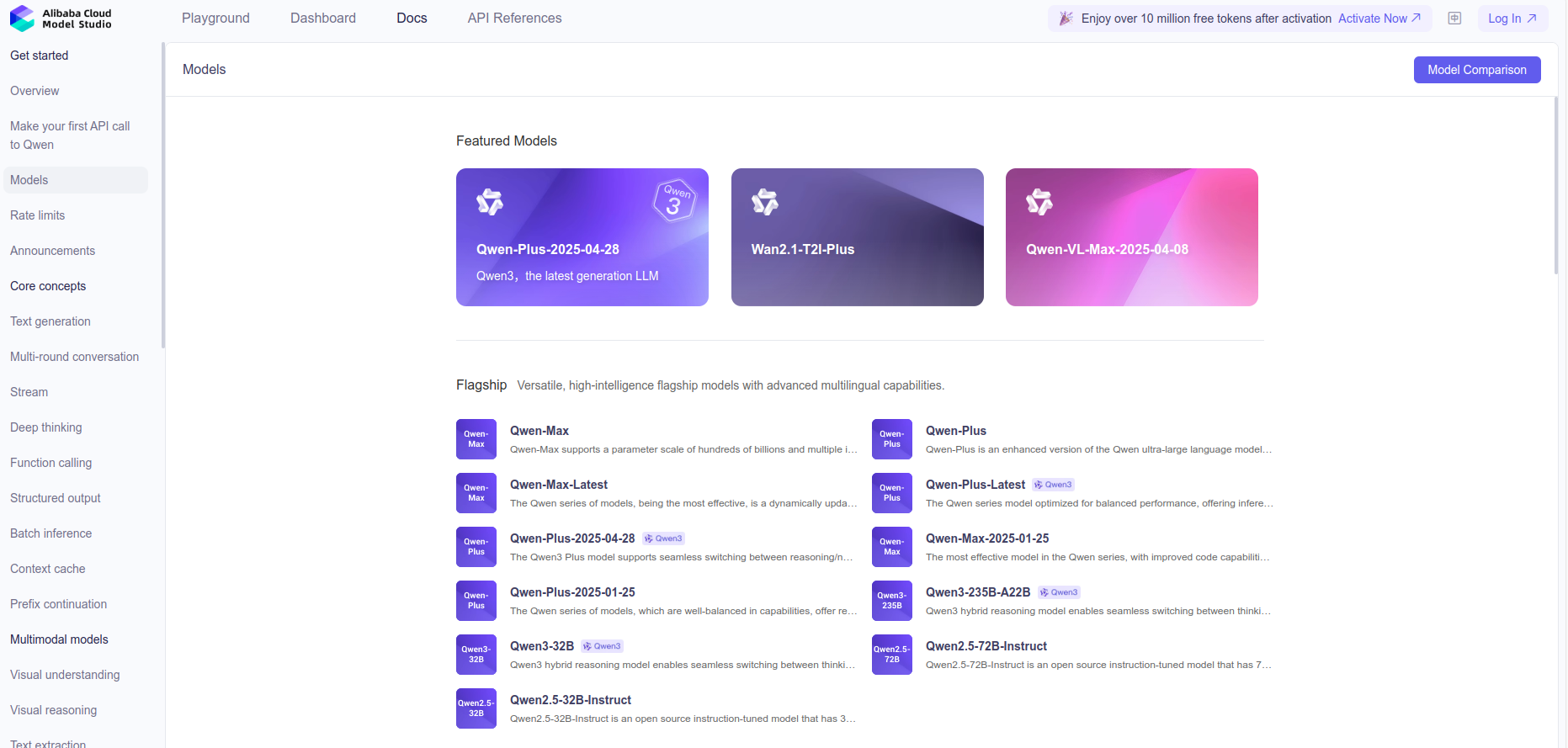
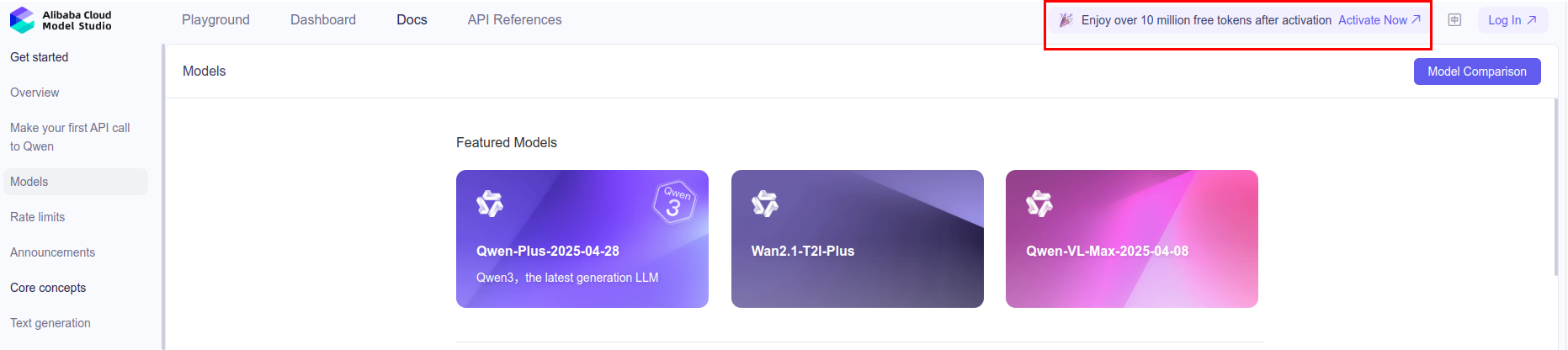
Click
Log into register an account.
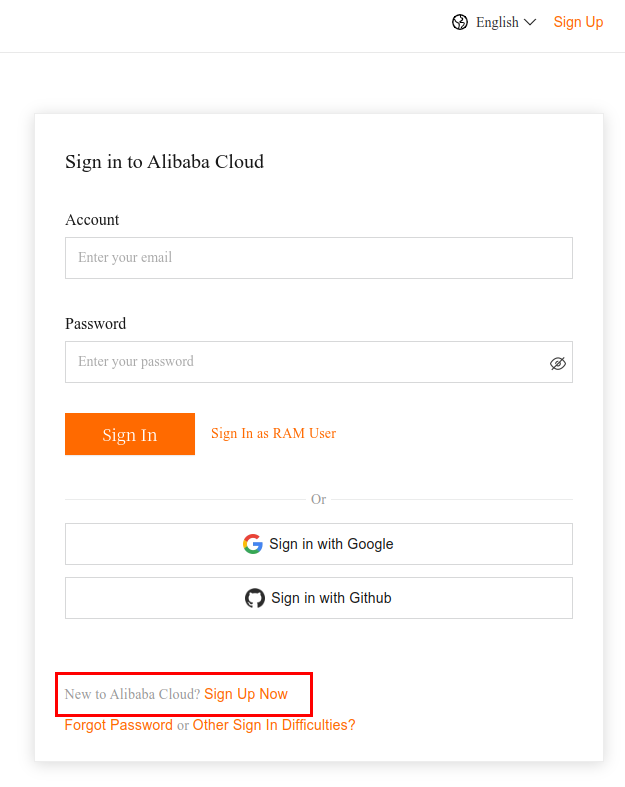
Select the individual account type to register.
Return to the home page and click to claim the free quota.
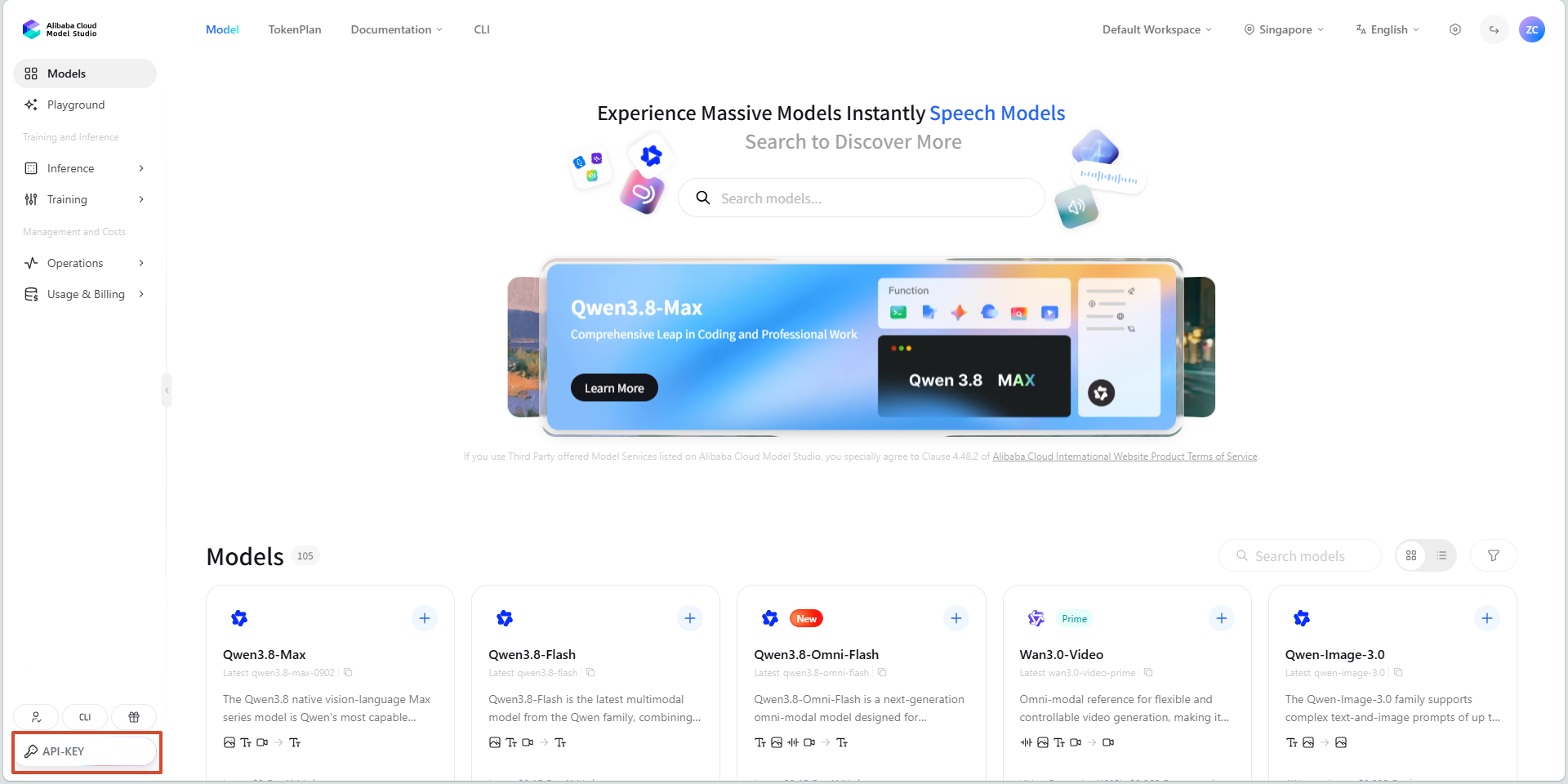
Then click
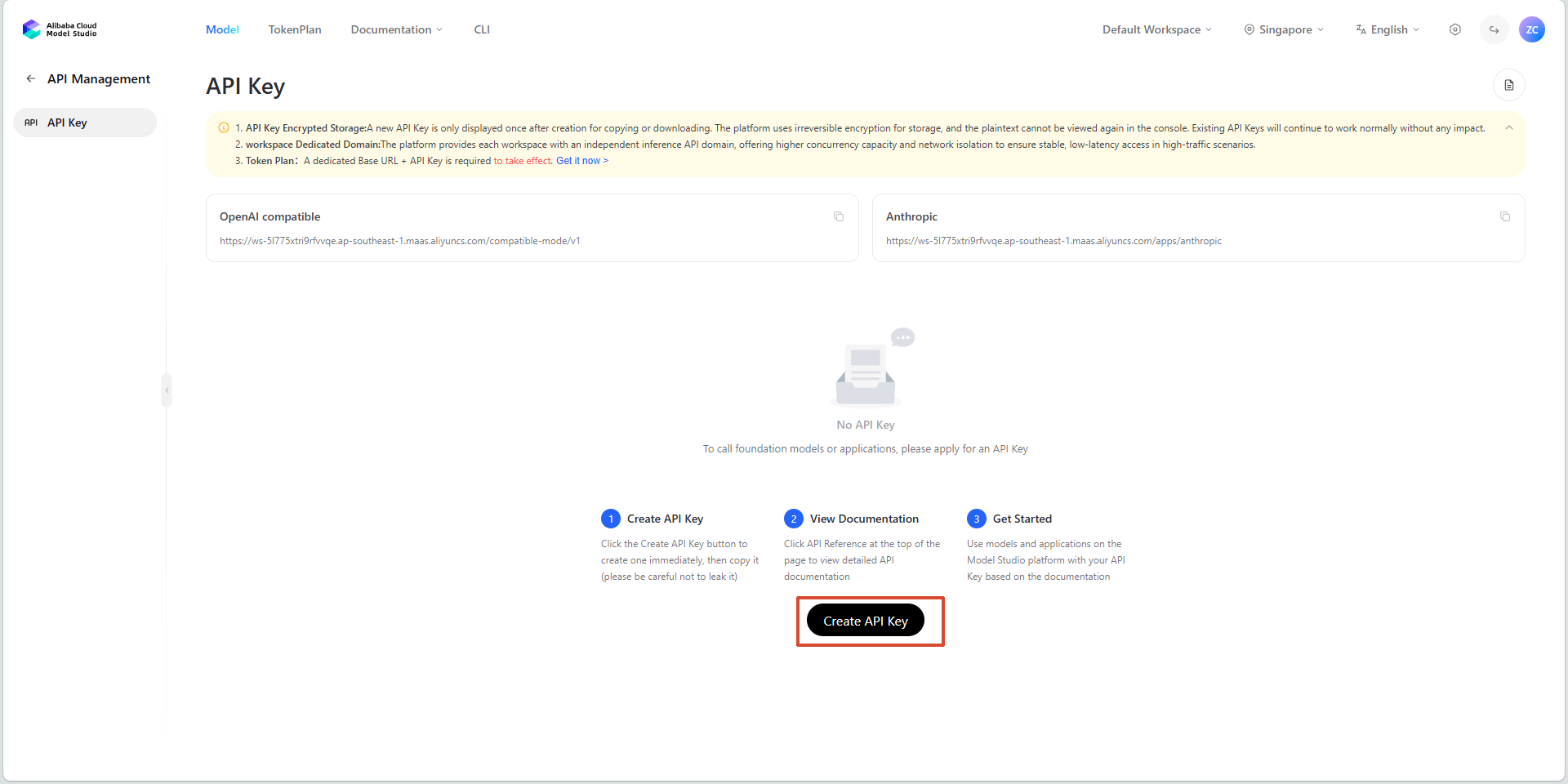
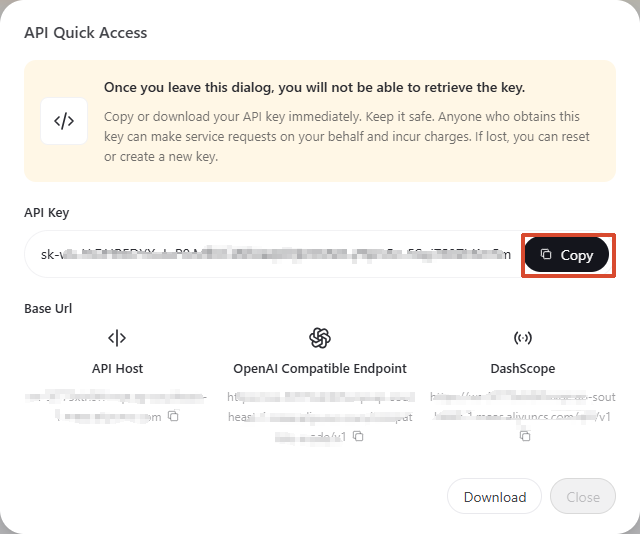
API-KEYto create an API-Key.
3. OpenRouter Platform Account
Note
OpenRouter provides many free model services, but there are access frequency limits and the comprehension ability of the free models varies greatly. To ensure a good user experience, we recommend prioritizing the Alibaba Cloud Bailian model service. This section is provided only for reference for users who need to use the OpenRouter service.
3.1 Registering an Account
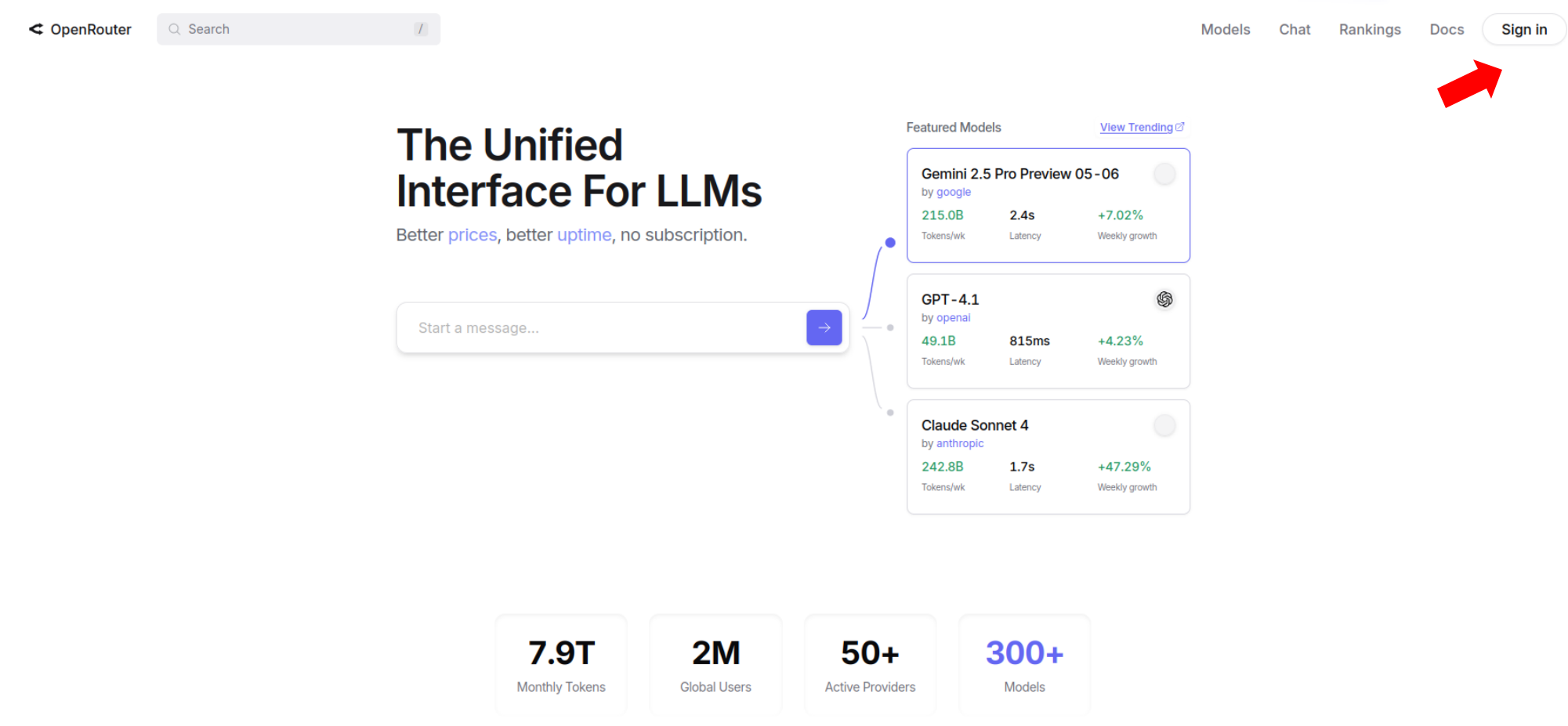
Open the OpenRouter link, click the avatar in the top-right corner to register an account, and use your email for registration. The process is similar to the one described above, so it will not be repeated here.
3.2 Creating an API
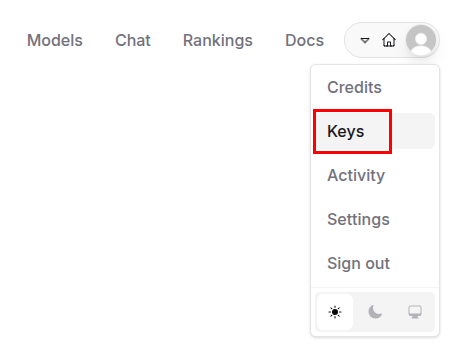
Click
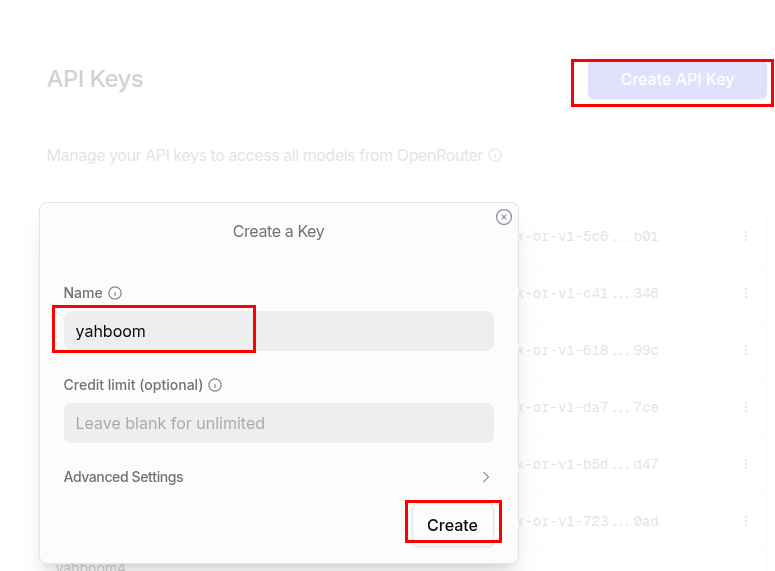
Keysin the top-right corner to create an API.