Welcome to ROSMASTER A1 PRO repository
3.Instance Segmentation
Instance Segmentation
Instance Segmentation1、Enable Optimal Board Performance1.1、Enable Jetson Clocks2、Instance Segmentation: ImagesPreview3、Instance Segmentation: VideoPreview4、Instance Segmentation: Real-Time Detection4.1、CameraPreviewReferences
This document demonstrates Ultralytics Instance Segmentation with Python, showing its performance on images, videos, and real-time detection.
1、Enable Optimal Board Performance
1.1、Enable Jetson Clocks
Enabling Jetson Clocks ensures that all CPU and GPU cores run at maximum frequency: (Not required on RDK and Raspberry Pi boards)
sudo jetson_clocks
2、Instance Segmentation: Images
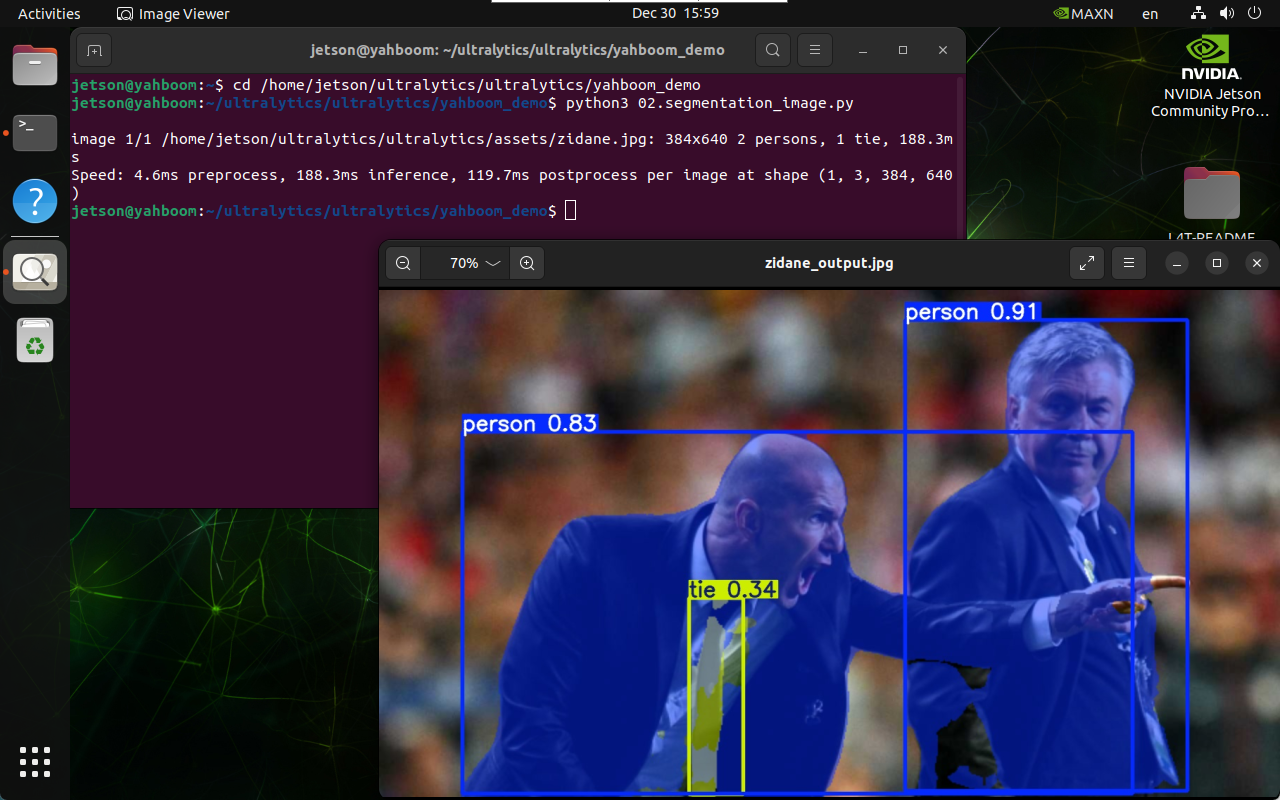
Use yolo26n-seg.pt to run prediction on the images bundled with the ultralytics project.
Navigate to the code folder:
xxxxxxxxxxcd ~/MODELS/yolov26/yahboom_demo
Run the code:
xxxxxxxxxxpython3 02.segmentation_image.py
Preview
Location of the images output by yolo: ~/MODELS/yolov26/assets/output/
3、Instance Segmentation: Video
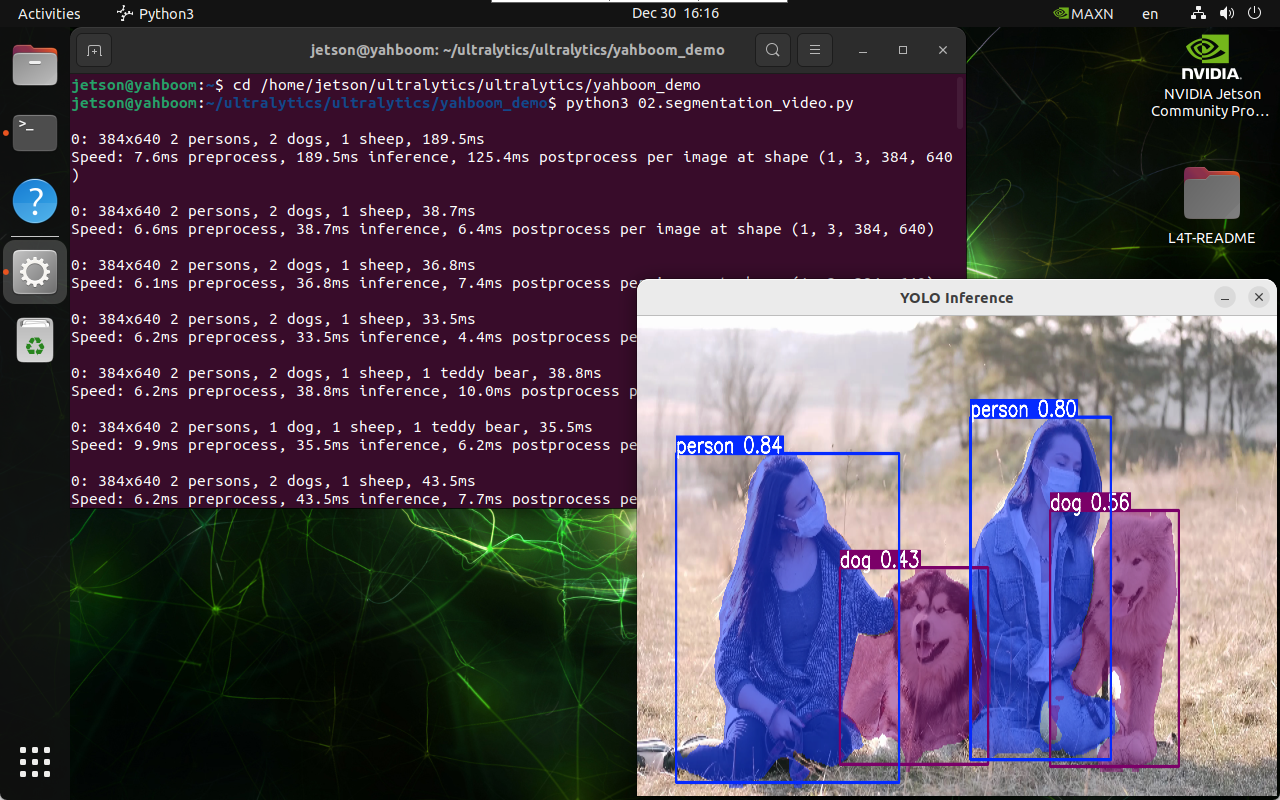
Use yolo26n-seg.pt to run prediction on a video in the ultralytics project (a video not bundled with ultralytics).
Navigate to the code folder:
xxxxxxxxxxcd ~/MODELS/yolov26/yahboom_demo
Run the code:
xxxxxxxxxxpython3 02.segmentation_video.py
Preview
Location of the videos output by yolo: ~/MODELS/yolov26/videos/output/
4、Instance Segmentation: Real-Time Detection
4.1、Camera
Use yolo26n-seg.pt to run prediction on the USB camera feed.
Start the camera:
xxxxxxxxxx#USB cameraros2 launch usb_cam camera.launch.py #Nuwa cameraros2 launch ascamera hp60c.launch.pyNavigate to the code folder:
xxxxxxxxxxcd ~/MODELS/yolov26/yahboom_demo
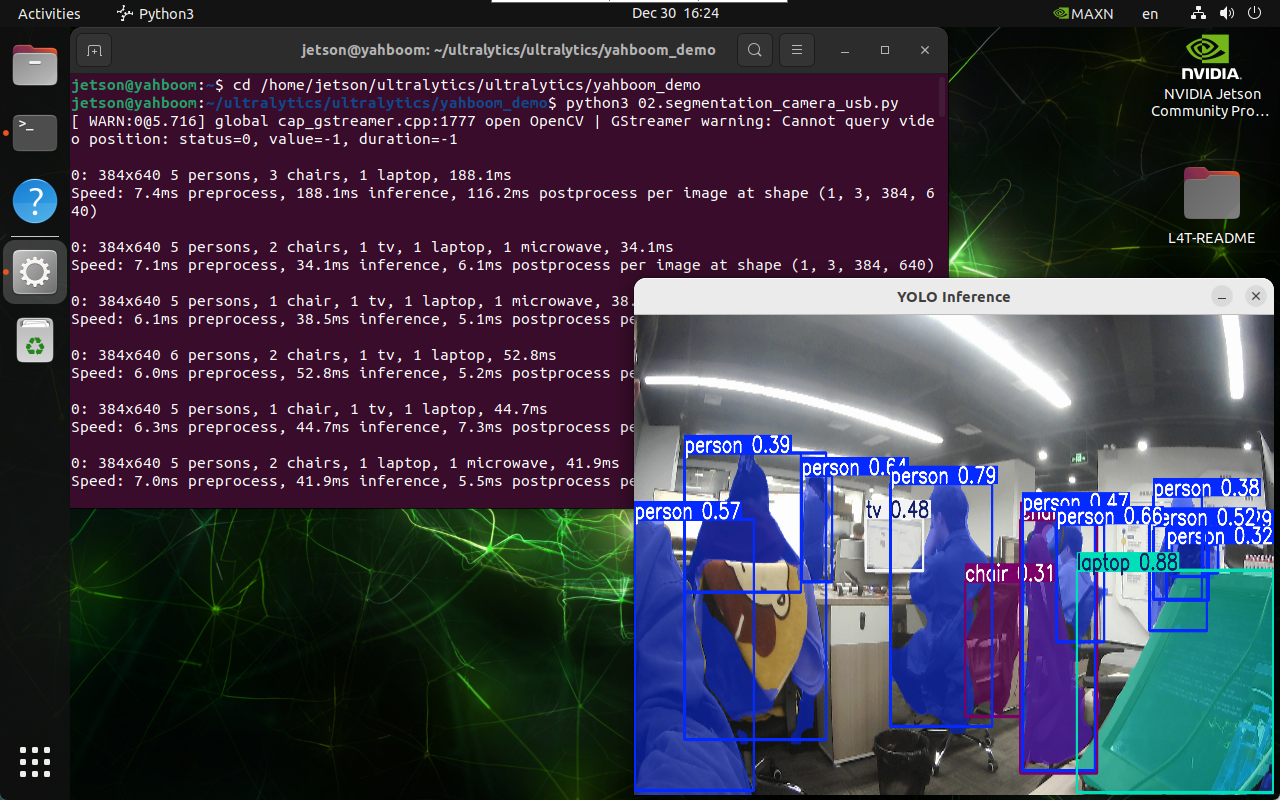
Run the code: click the preview window and press the q key to terminate the program!
xxxxxxxxxxpython3 02.segmentation_camera_usb.py
Preview
Location of the videos output by yolo: ~/MODELS/output/