Welcome to ROSMASTER A1 PRO repository
5.Robotic Arm Gripping+Multimodal Visual Understand+SLAM Navigation
Robotic Arm Gripping + Multimodal Visual Understanding + SLAM Navigation
1. Course Content
After running the example program, combine Nav2 navigation, robotic arm gripping, and AI large-model visual understanding to perform complex task functions
Note: this chapter requires the map mapping file to be configured first
This case uses the matching 3 × 3 × 3 blocks
Note
The difference between the text version and the voice version lies in the command input method, and the text version does not require the speech recognition and speech synthesis stages
2. Preparation
2.1 Content Description
This lesson applies to controllers such as Raspberry Pi 5, Jetson Orin NANO, and D-Robotics RDK X5:
Raspberry Pi 5: You must first enter the Docker container before running ROS 2 related commands. Refer to [3.Enter Docker (For Raspberry Pi)] in the [Robot Configuration and Operation Guide];
Orin / RDK X5: Run commands directly in the onboard terminal; there is no need to enter Docker.
2.2 Start the Local Dify Large-Model Environment
Enter the following command in the host terminal to start the Dify service:
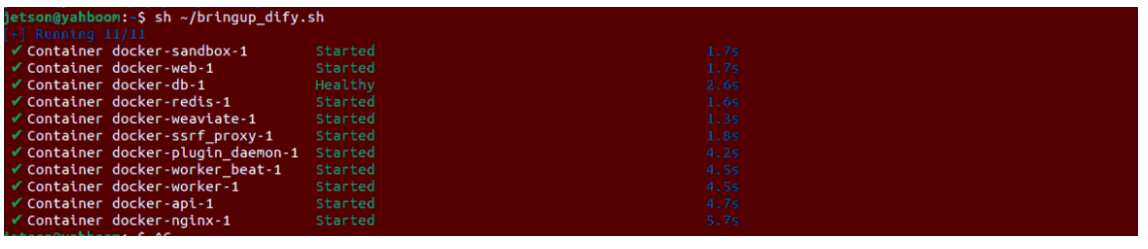
sh ~/bringup_dify.shThe terminal prints the following message, indicating that the Dify service is connected successfully:
Important
Precondition:
This lesson requires the robot to navigate on an already-built map. Please make sure that a grid map (such as map.yaml) has been built and saved according to the navigation chapter tutorial.
3. Running Examples
3.1 Start the System Master Control Node (Text Interaction Mode)
Enter the following command in the onboard terminal to start the large-model embodied control service:
xxxxxxxxxxros2 launch multi_brains llm_agent_control.launch.py text_chat_mode:=True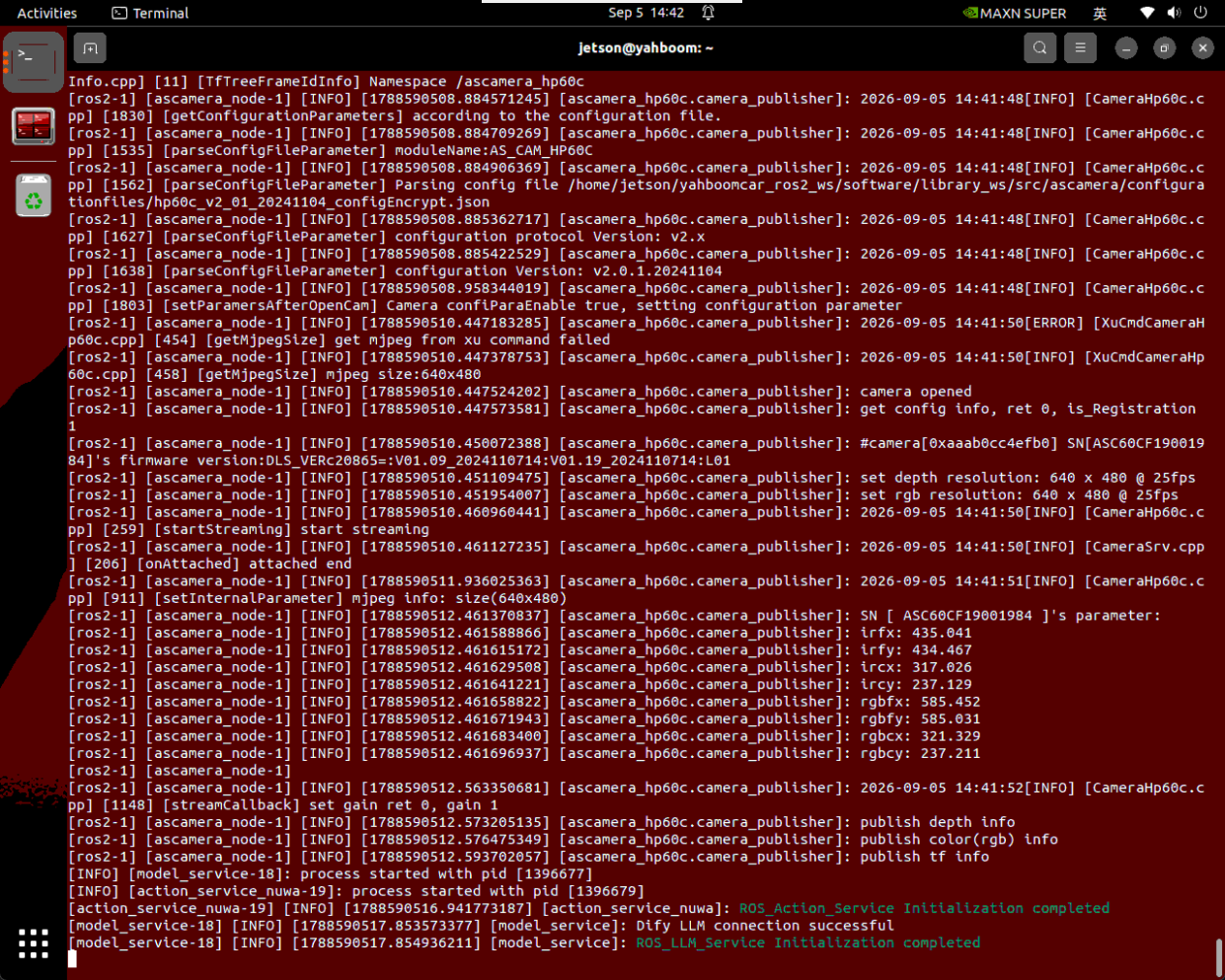
3.2 Start the SLAM Navigation and Visualization System
On the onboard desktop or a virtual machine, open another terminal and start the navigation visualization interface:
xxxxxxxxxxros2 launch yahboomcar_nav display_nav_launch.pyThen open another terminal and start the underlying navigation algorithm (the navigation algorithm must match the localization method used during waypoint calibration; if relocalization was used, run the relocalization navigation, because the poses of different localization methods may differ):
x# AMCL localization + navigationros2 launch yahboomcar_nav navigation_teb_launch.py
# Relocalization method; see the Cartographer relocalization navigation for detailsros2 launch yahboomcar_nav localization_imu_odom.launch.py use_rviz:=false load_state_filename:=$HOME/yahboomcar_ros2_ws/yahboomcar_ws/src/yahboomcar_nav/maps/map.pbstream
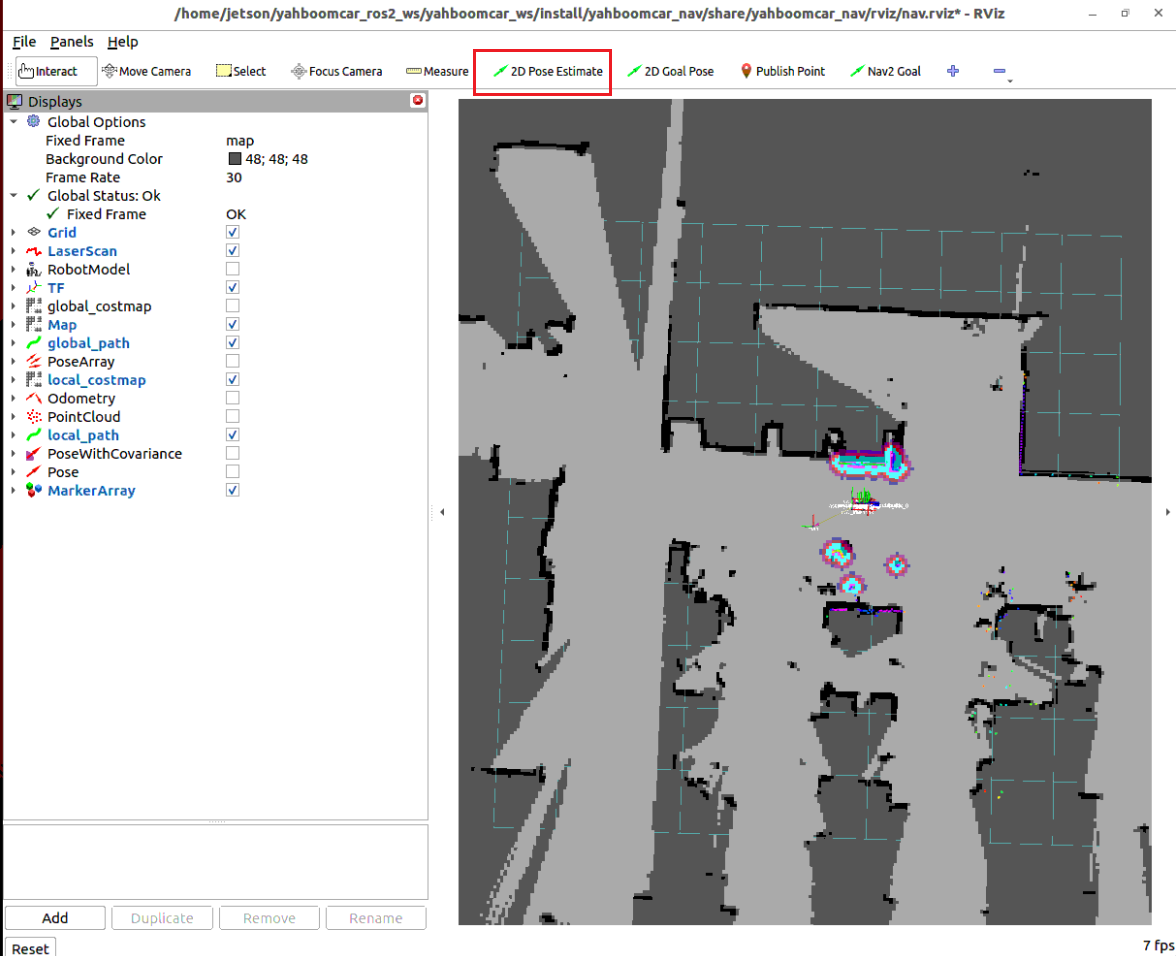
ros2 launch yahboomcar_nav navigation_cartodwb_launch.py maps:=$HOME/yahboomcar_ros2_ws/yahboomcar_ws/src/yahboomcar_nav/maps/map.yamlIn the opened RViz2 window, use the 2D Pose Estimate tool to perform initial alignment and localization according to the robot's parked position in the real scene.
3.3 Start the Text Interaction Terminal
Enter the following command in the SSH terminal on the computer to start the text interaction interface:
xxxxxxxxxxros2 run text_chat text_chat
3.4 Test Cases
Two reference test cases are given here; users can write their own test commands
Blocks used: 30x30x30 mm blocks.
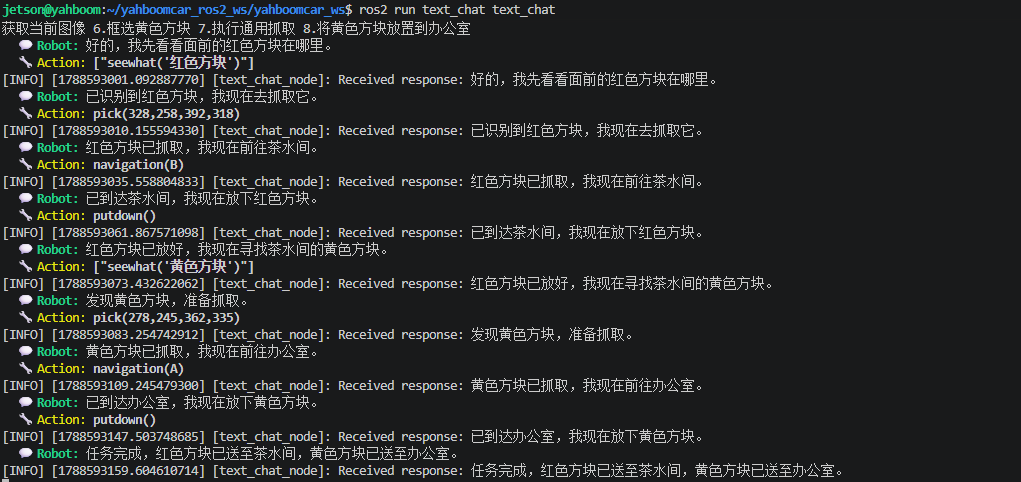
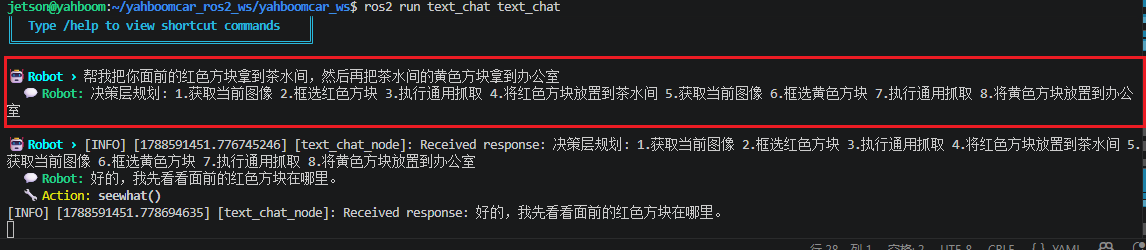
Help me take the red block in front of you to the tea room, and then take the yellow block in the tea room to the office
Enter the test case in the text interaction terminal, and the decision-layer large model outputs the planned task steps:
The execution-layer large model then executes according to these task steps:
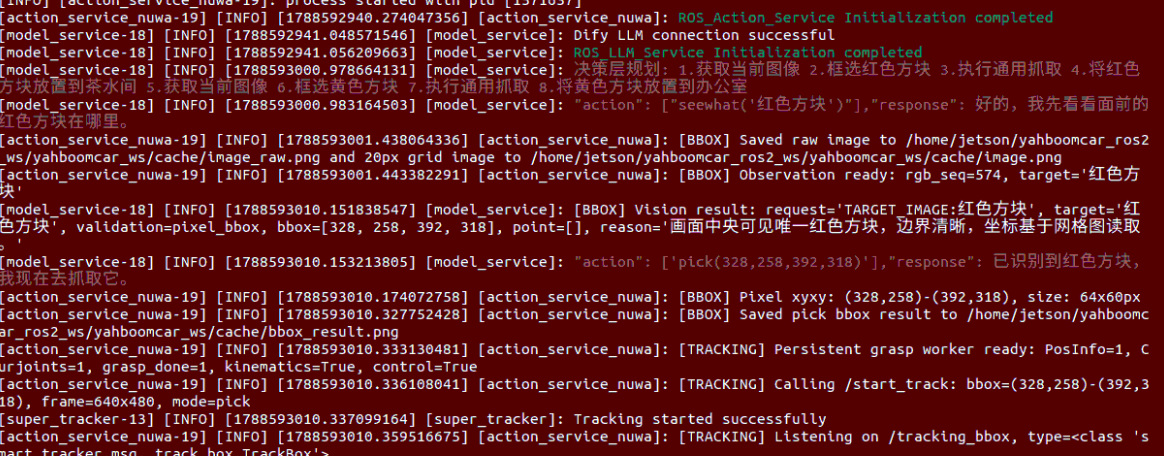
The robot first grasps the red block in front of it as required by the command
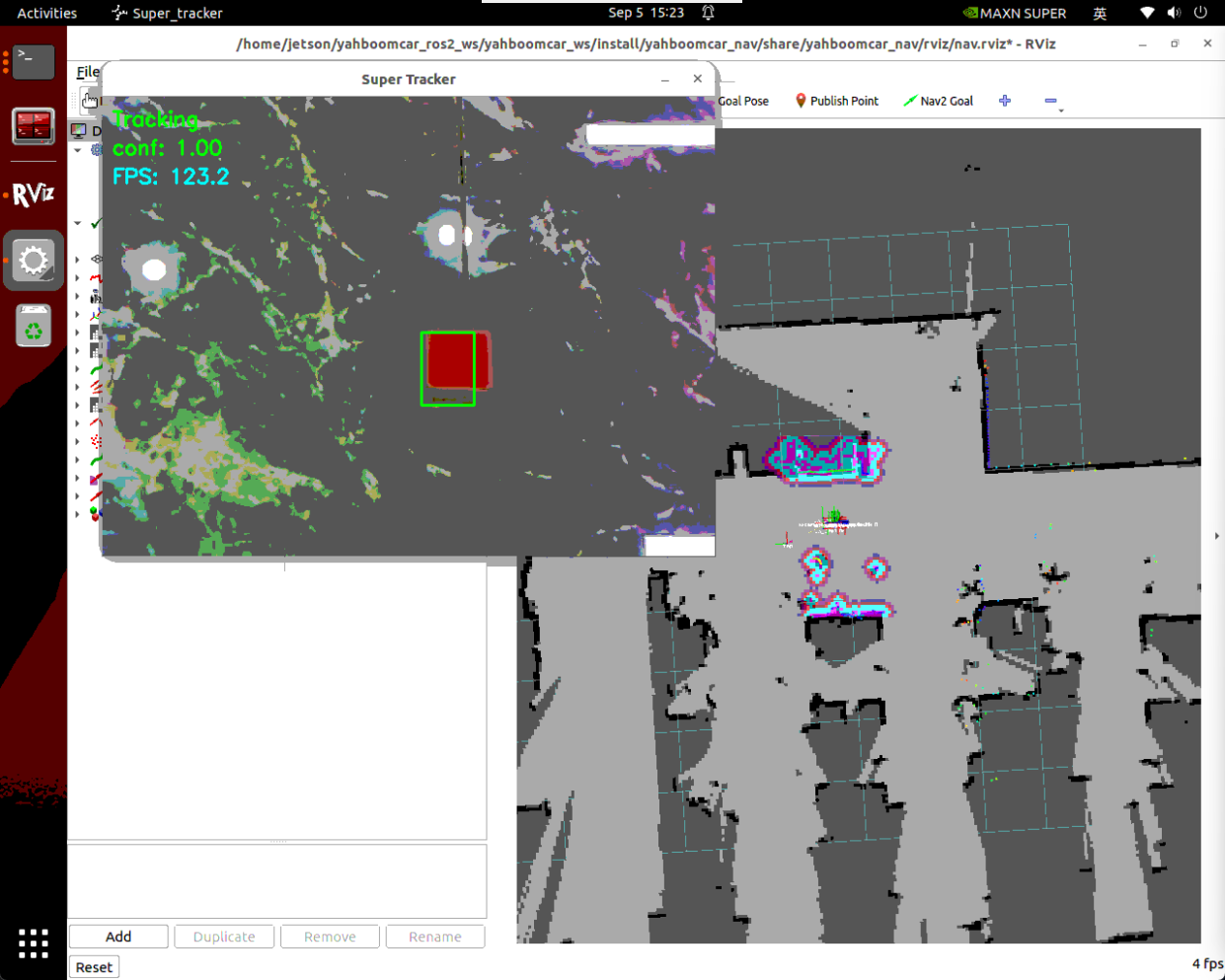
Then it navigates to the "tea room" and uses the robotic arm to put down the red block

After re-observing and finding and grasping the green block in the "master bedroom," it heads to the "office"
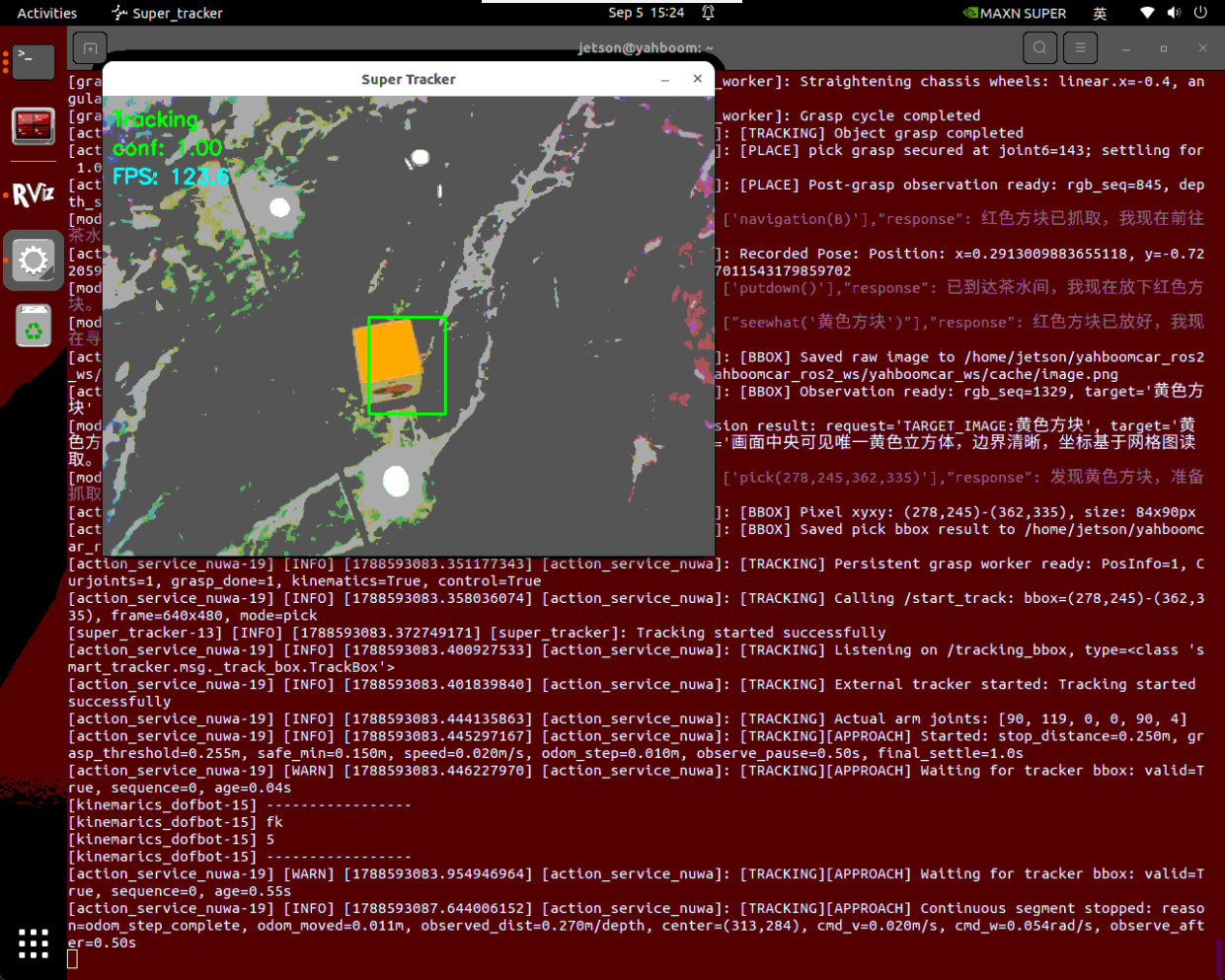
After putting down the green block in the "office," the robot indicates that the task is complete and enters the waiting state; at this point, enter "you can rest now" in the interaction terminal, let the robot end the task.