Welcome to ROSMASTER A1 PRO repository
9.Custom Wake-up Response
Custom Wake-up Response
1. Course Content
By adding audio files to the multi_brains program's audio library, you can customize the voice reply after wake-up.
Note
This tutorial section is only for reference for users who need to customize a personalized voice reply; it does not affect normal use.
If you do not need a custom personalized reply voice, you can skip this section.
2. Preparing Audio Files
Here, the audio material for the voice reply can be downloaded and prepared by yourself.
3. Loading Audio Files
The audio path of the multi_brains system:
~/yahboomcar_ros2_ws/yahboomcar_ws/src/multi_brains/system_vioce
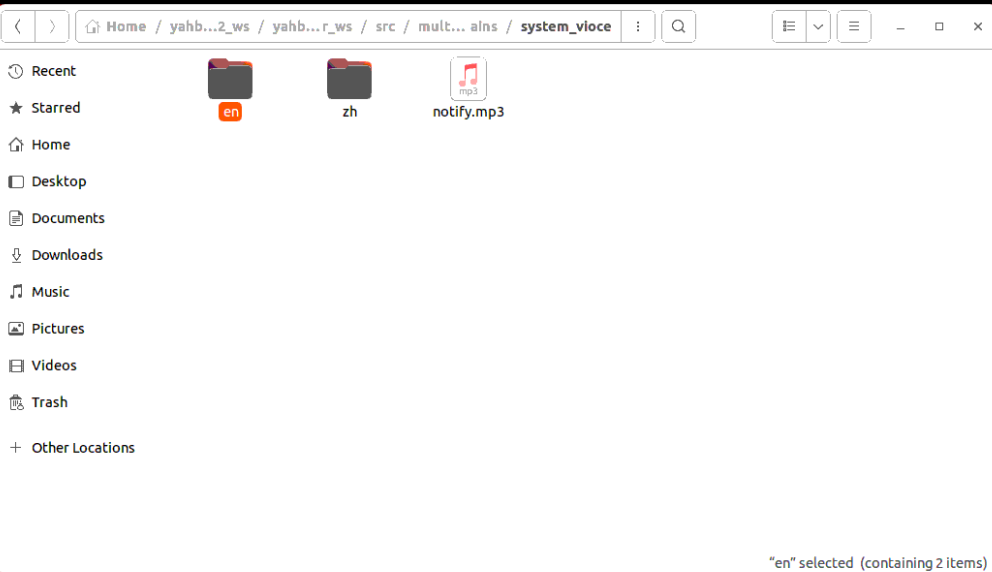
Among them:
zhis the Chinese reply voice, suitable for domestic (China) users. Put the prepared audio files into the directory:xxxxxxxxxx~/yahboomcar_ros2_ws/yahboomcar_ws/src/multi_brains/system_vioce/zh/wakeup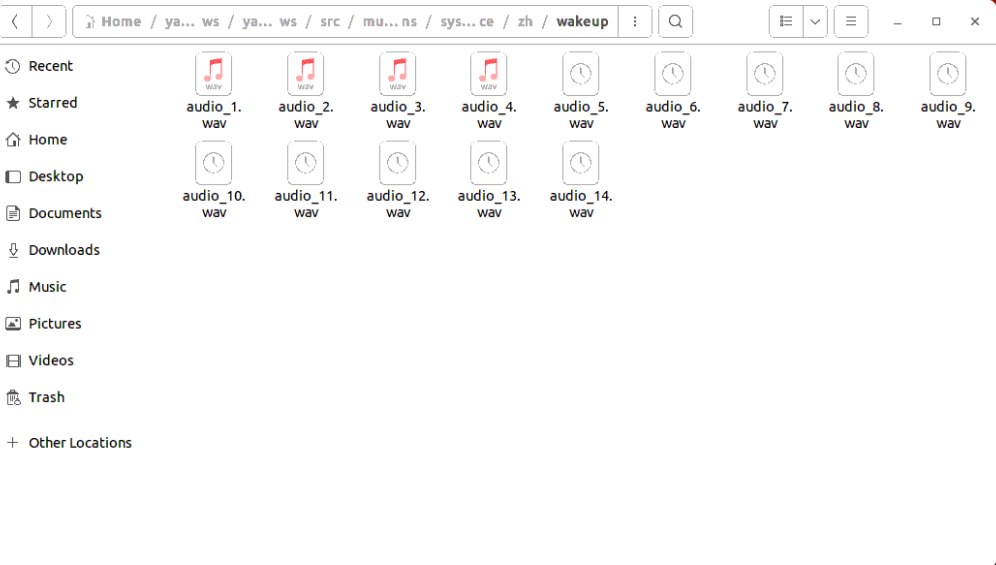
enis the English reply voice, suitable for international users. Put the prepared audio files into the directory:xxxxxxxxxx~/yahboomcar_ros2_ws/yahboomcar_ws/src/multi_brains/system_vioce/en/wakeup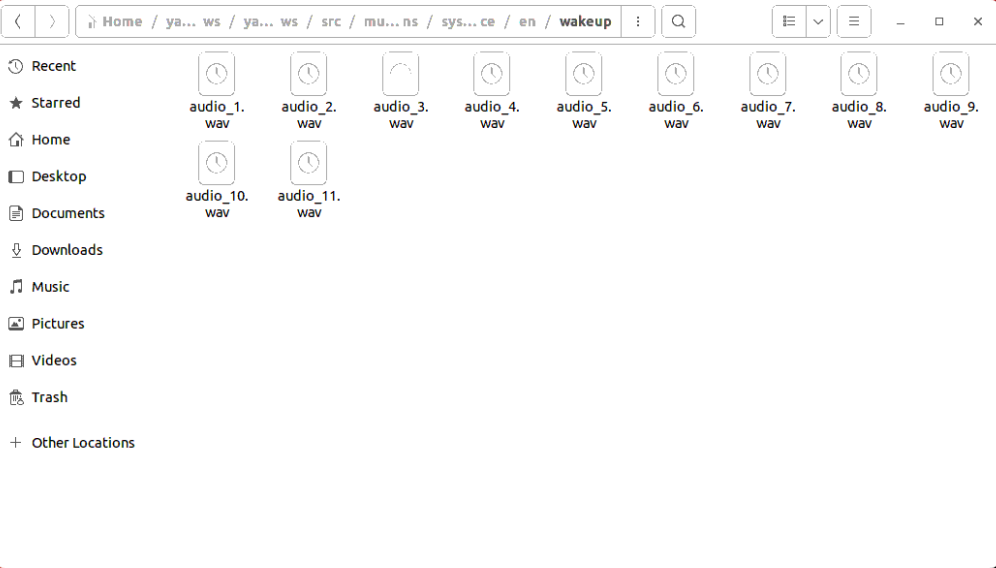
After that, when the multi_brains program is started, the audio files in the corresponding directory will be automatically loaded, and a personalized reply voice will be played randomly when the user wakes up the robot.